Posted Date : 13 Aug 2026
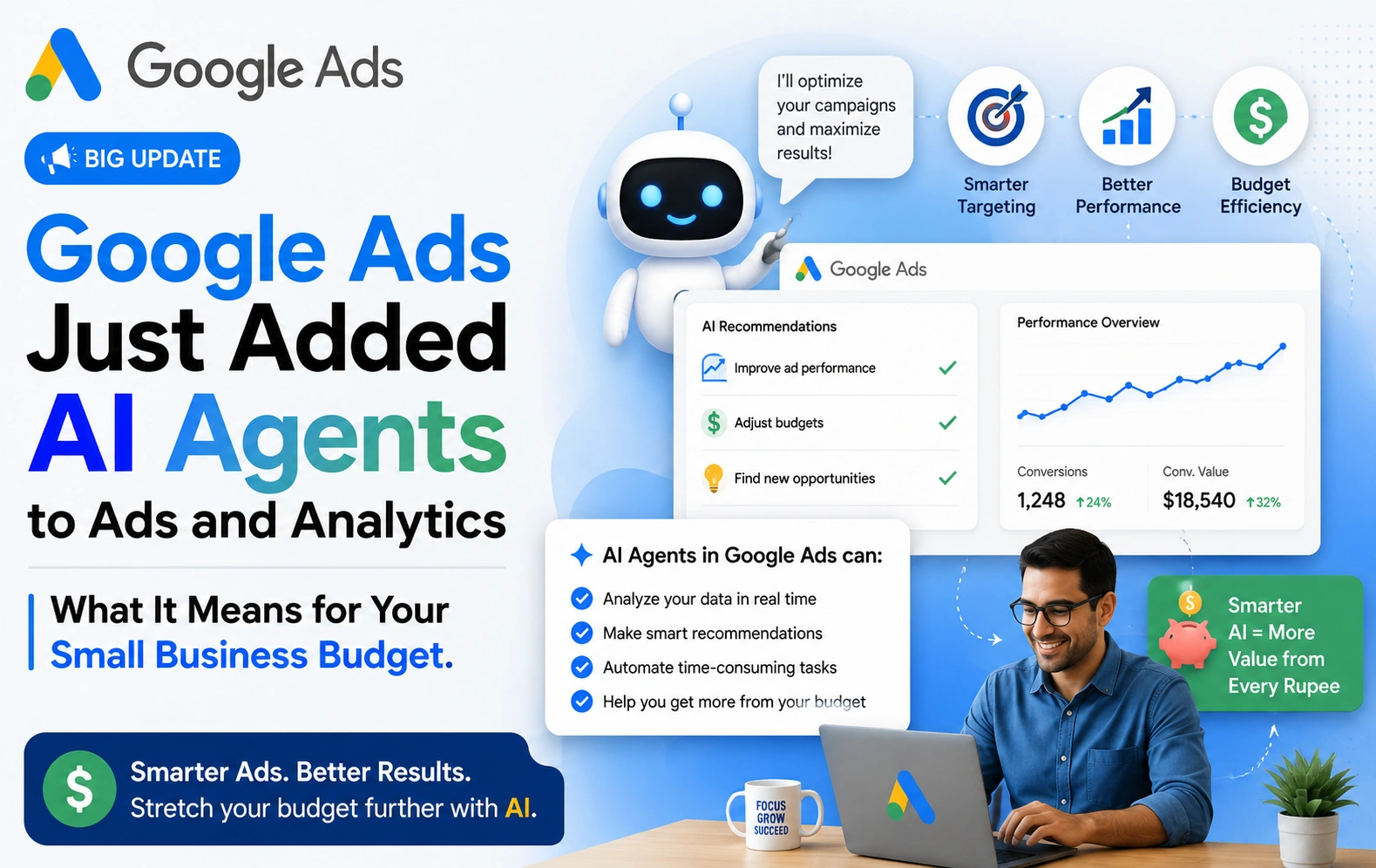
On August 10, 2026, Google quietly rolled out one of its bigger updates of the year: real AI agents built directly into Google Ads and Google Analytics. Not a chatbot bolted onto the side. Not another dashboard you have to learn. An assistant that lives inside the tools you already use, watches your account, and tells you what's happening and what to do about it in plain English.
If you're a small business or e-commerce owner who's ever stared at a Google Ads dashboard wondering, "Okay, but what do these numbers actually mean for me?" — this update was built with you in mind.
Here's what's new, why Google is doing this now, and how to actually put it to work for your business this month.
Google's announcement, posted on its official Ads & Commerce blog, centers on expanding Ask Advisor — Google's in-product AI agent that already works across Google Ads, Google Analytics, Merchant Center, and Google Marketing Platform. The update adds four new capabilities:
Both Google Ads and Google Analytics now show an AI-generated summary right at the top of your homepage the moment you log in. It highlights what has changed since your last visit—a traffic spike, a seasonal sales shift, and a dip in impression share—and suggests what to do next. Click on any insight, and it takes you straight into Ask Advisor to dig deeper.
This is the one worth paying attention to. Instead of digging through menus to build a custom report, you can now type a plain-language prompt—something like "Show me which products drove the most revenue last month"—and Google's new Dashboards feature builds the visual report for you. It's live in Google Ads now, with Google Analytics support coming soon. Every report also comes with an automatic written summary explaining the "why" behind the numbers, not just the numbers themselves.
Google Analytics now lets you compare your own performance against anonymized data from similar businesses through Ask Advisor. So instead of wondering whether your conversion rate or ad spend is "normal" for a business like yours, you get an actual reference point.
You can now opt in to receive these AI-generated summaries by email or mobile notification, at whatever frequency works for you — daily, weekly, or only when something significant happens.
All of this runs on Gemini, Google's AI model family, and Google has been clear that these tools are meant to keep you — not the algorithm — in the driver's seat. As one paid media director quoted in Google's announcement put it, the tools give marketers "time to dig deeper and make shifts that improve performance sooner."
If you're running a large in-house marketing department, this update saves your analysts some clicks. If you're a small business owner who logs into Google Ads once a week between everything else you're doing, this update is genuinely different—because it closes the gap between having data and knowing what to do with it.
Here's the real problem this solves. Most small business Google Ads accounts collect plenty of data. Impressions, clicks, conversions, cost per click, ROAS — it's all sitting there. But turning that data into a decision (raise this budget, pause that keyword, or double down on this product) has always required either time you don't have or expertise you'd have to pay for separately.
Ask Advisor and the new Dashboards feature are Google's attempts to close that gap directly inside the platform, for free, using natural language instead of spreadsheets.
Let's make this concrete. Say you run a small online store selling handmade skincare products. Here's how these new tools could change your week:
None of this replaces good strategy. But it does mean the strategic thinking Google is now surfacing for you used to be something you'd either do manually or pay an agency to do on your behalf.
It's worth being clear-eyed about what this update actually is. As some industry analysts have pointed out, features like this tend to follow a familiar pattern from Google: embed AI more deeply into the ad platform, make it easier and faster to act on suggestions, and over time, nudge advertisers toward spending more efficiently—which, not coincidentally, tends to mean spending more overall. That's not a criticism exactly; it's just useful context. The tools are genuinely helpful, but they're also designed to make it easier to say "yes" to Google's recommendations.
That doesn't mean you shouldn't use them. It means you should use them as a faster way to see what's happening in your account, while still applying your own judgment—or your agency's—before making bigger budget decisions.
Both Google Ads and Google Analytics now show AI Overview cards on the homepage. Open both and see what's already been flagged for your account.
Don't just browse — ask it something specific. "Why did my conversions drop last week?" or "What's my best-performing campaign right now?" are good starting points.
Go to the new Dashboards feature in Google Ads and type a plain English request instead of manually configuring a report. See how close it gets to what you actually wanted.
If you're an e-commerce or service business, this is genuinely useful — it tells you whether your numbers are strong, average, or lagging compared to similar businesses, which is context you can't easily get anywhere else.
Decide whether you want daily, weekly, or event-based summaries by email or mobile, so insights come to you instead of requiring a login.
Use these tools to surface what's happening faster—but before you act on a bigger recommendation (like a significant budget increase), sanity-check it against your actual margins and goals, or run it past someone who manages performance marketing for a living.
This update is part of a broader shift Google's been building toward all year—Gemini becoming, as Google itself put it at Marketing Live 2026, "the operating system of Google Ads." Reporting, insights, creative production, and even campaign setup are increasingly being wrapped in natural-language AI layers. For small business owners, that's mostly good news: it lowers the skill floor for getting useful insights out of your ad account.
But lowering the skill floor for seeing insights isn't the same as lowering the skill floor for acting on them well. Knowing your impression share dropped is useful. Knowing what to actually do about it—adjust bids, refresh creative, shift budget, or hold steady—still benefits from experience that these tools don't replace.
Reading an AI-generated summary is one thing. Knowing which recommendations to act on, which to ignore, and how they fit into your bigger marketing picture is another—and that's exactly where we come in.
At Webbitech, we've been managing performance marketing and Google Ads for small businesses and e-commerce brands for over 15 years. We're already exploring these new AI tools across our client accounts to find real, practical wins—not just faster dashboards, but better decisions.
Book a free consultation call with Webbitech →
We'll help you make sense of what Google's AI is telling you, and turn it into a strategy that actually grows your business.

Have a project in mind? Let’s build something amazing together.
Webbitech — A Leading Web Design & Web Development Company with 15+ Years of SEO & Digital Marketing Expertise, Delivering Countless Success Stories
From idea to execution, we help businesses create high-performing websites and applications.
Start your journey today and take your brand to the next level.