Posted Date : 02 Jul 2026
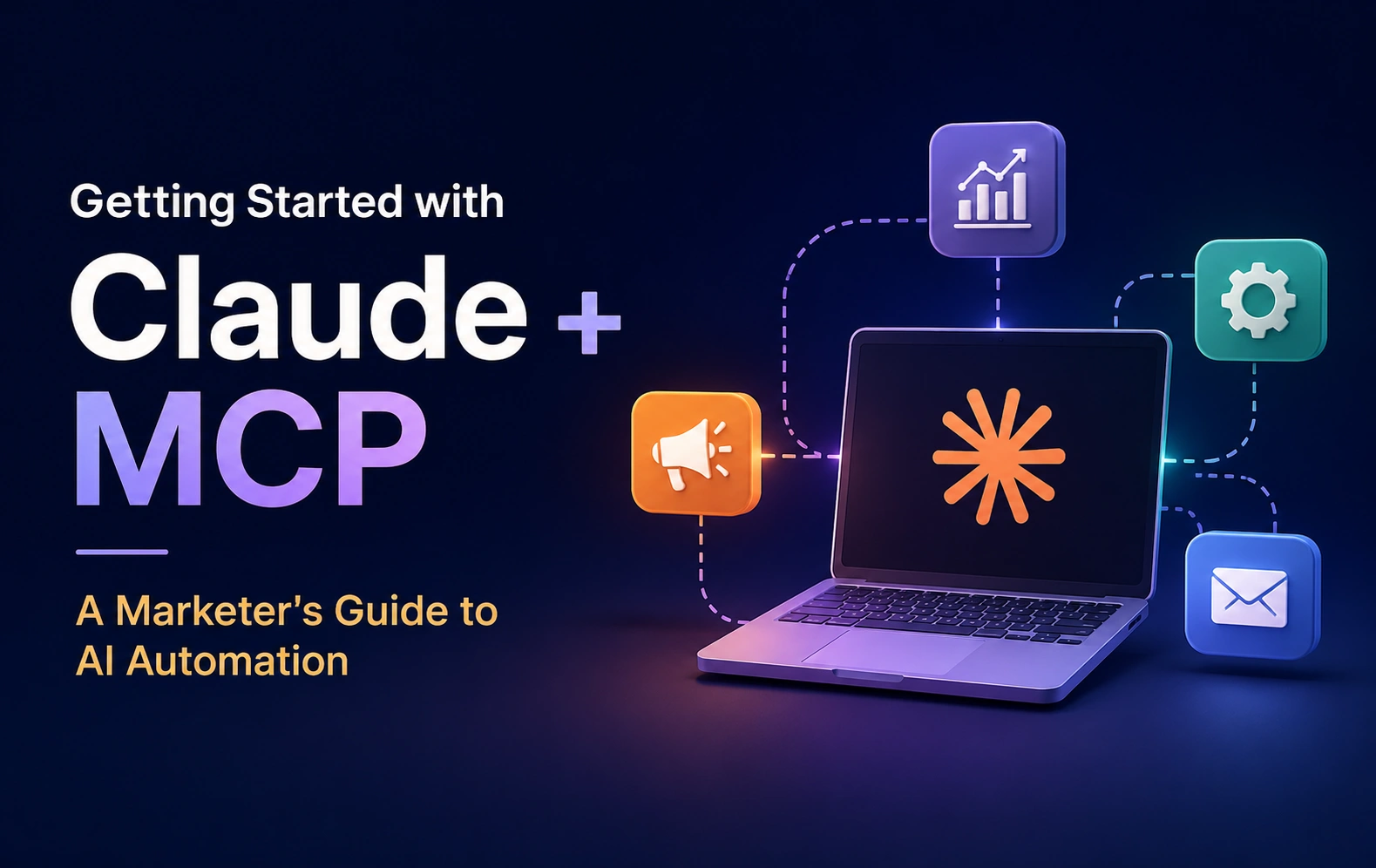
If you've read anything about AI in marketing this year, you've probably seen "MCP" mentioned like everyone already knows what it means. Most marketers don't, and that's fine—it's a newer piece of the puzzle than Claude itself. This guide starts from zero: what Claude is, what MCP adds to it, and how to get your first real workflow running without needing a developer.
Claude is Anthropic's AI assistant. On its own — no connectors, no setup — it's already useful for marketing work: drafting content, summarizing research, structuring a campaign brief, reviewing copy against a style guide. You open a chat, type what you need, and Claude responds. Most marketers start here, and plenty of teams get real value without ever touching MCP.
The limitation is that, by default, Claude only knows what you tell it in the conversation. If you want it to analyze this week's ad performance, you have to paste the numbers in yourself. That's where MCP comes in.
MCP (Model Context Protocol) is an open standard, created by Anthropic, that lets Claude connect directly to outside tools and data sources—your CRM, an ad platform, an SEO tool—instead of relying only on what you paste into the chat. Once something is connected, Claude can pull live information from it as part of the conversation.
Think of it as the difference between describing a photo to someone versus handing them the photo. Without MCP, you're describing your data to Claude. With it, Claude can look directly at the (permission-gated) source.
You don't need to understand the technical plumbing to use it — the setup process is closer to logging into an app than writing code.
That's genuinely the whole setup for most tools. The part that takes longer is deciding what to actually ask Claude to do with it.
The safest and most useful place to begin is a workflow where Claude only reads data—it can't accidentally change or delete anything. A few good starting points:
Run a read-only workflow for a week or two before you consider connecting anything that can take action (creating campaigns, updating CRM records, and so on). This isn't overcaution for its own sake—it's the fastest way to learn what Claude gets right and where it needs more context from you, without any risk attached to the learning process.
Connecting everything at once. It's tempting to hook up your CRM, ad accounts, and analytics tools in one sitting. Resist it. Each new connector adds more tools Claude has to consider in a conversation, which can make responses slower and less focused. Add one, use it for real work, then add the next.
Skipping the review step on write actions. Some connectors let Claude create or modify things directly — a new campaign, a CRM update. Even when a connector defaults to a safe state (like creating ad campaigns paused rather than live), get in the habit of reviewing what Claude proposes before approving it. That habit matters more as you connect more powerful tools later.
Assuming Claude understands "why." Claude can see what your data shows — it can't see why you made a particular decision. If a campaign looks like it's underperforming but you're intentionally running it lean before a creative refresh, Claude won't know that unless you tell it. Give it context, not just access.
Connecting a tool nobody on the team will actually use. The teams that get the most value pick one workflow that's genuinely painful today and fix that first, rather than connecting everything "just in case."
Once one workflow is solid, a natural next step is combining connectors—asking Claude a question that spans two tools at once, like comparing ad spend against CRM pipeline data in the same conversation. That's where MCP starts to feel less like a feature and more like a genuinely different way of working: instead of jumping between five tabs to answer one question, you ask the question once.
From there, some teams eventually explore custom-built connectors for internal or less common tools, or start scripting recurring workflows so reports run automatically on a schedule. None of that is necessary to get value on day one — it's just where things tend to go once the basics are working.
Pick the one report or task you dread doing every week, connect the tool behind it, and see what a week of not doing it manually feels like.
Have a project in mind? Let’s build something amazing together.
Webbitech — A Leading Web Design & Web Development Company with 15+ Years of SEO & Digital Marketing Expertise, Delivering Countless Success Stories
From idea to execution, we help businesses create high-performing websites and applications.
Start your journey today and take your brand to the next level.