Posted Date : 02 Jul 2026
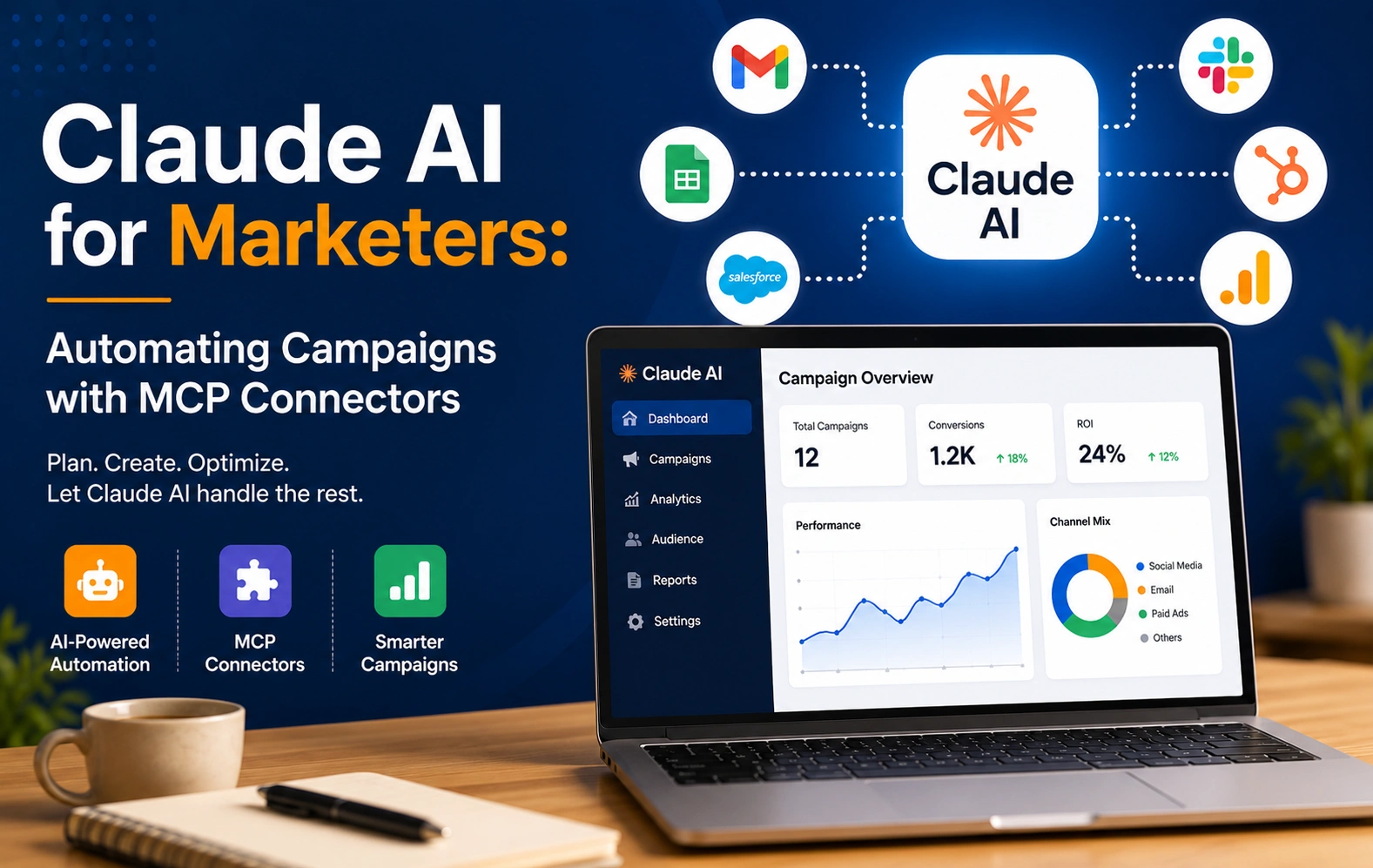
Campaign management has always eaten more hours than it should. Pulling performance data, cross-referencing it against last week's numbers, flagging the ad set that's burning budget with no conversions, and drafting the recap—none of it is hard work, exactly; it's just a lot of it. MCP connectors are changing that equation by letting Claude read (and in some cases act on) live campaign data directly, instead of you exporting it first.
This post focuses specifically on campaign automation: what's actually possible right now across Google Ads and Meta Ads, what still needs a human, and how to set it up without creating a mess.
Content automation with Claude is mostly about drafting—low risk, easy to review before it ships. Campaign automation is a different category of risk, because a "write" action in an ad account can spend real money. That's why the connectors built for this use case—Meta's official Ads connector and most reputable Google Ads connectors—lean heavily on safety defaults: new campaigns and ad sets are created in a paused state, and pausing or budget changes to a live campaign typically require explicit confirmation before anything takes effect.
Keep that distinction in mind throughout: read-and-report workflows are close to zero-risk and easy to automate aggressively. Write actions—creating, pausing, or reallocating budget—should stay review-gated, even once you trust the workflow.
There isn't one single "Google Ads "MCP"—there are several paths, and they trade off setup effort against control:
Most of these connectors default to read-only access unless you explicitly grant write permissions, and reputable providers batch and rate-limit requests automatically so you don't burn through your Google Ads API quota with a single broad query.
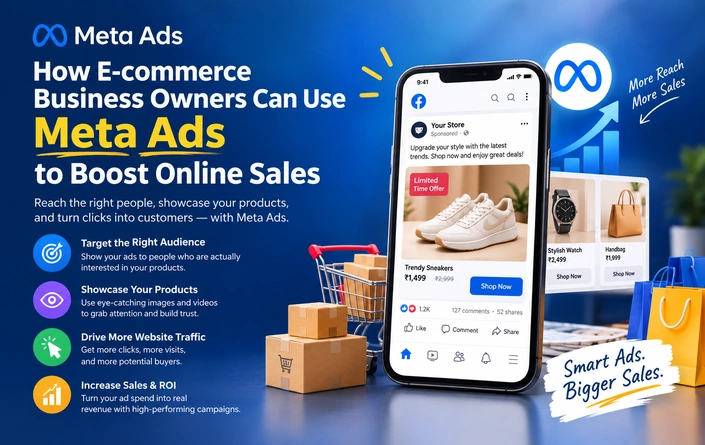
Meta's own Ads connector, launched in the spring of 2026, is the most complete official example of campaign automation via MCP so far. It groups its tools into four buckets:
Third-party connectors built on top of Meta's approved APIs extend this further, adding full ad-creative generation (image, video, carousel, and catalog formats) and multi-account management for agencies running several client accounts through one setup.
1. Weekly performance recaps. Connect Google Ads and Meta Ads and ask Claude to pull last week's spend, conversions, and ROAS; compare it against the prior week; and draft the recap narrative—the kind of report that used to take an hour of copy-pasting into a slide.
2. Zero-conversion flagging. Ask Claude to scan active campaigns and flag any ad set with meaningful spend and no conversions. This is a read-only workflow, so it's safe to run on a schedule without a review step.
3. Cross-platform budget comparison. With more than one connector active, ask Claude to compare cost-per-acquisition across Google and Meta for the same product line and suggest where budget might be more efficiently allocated — treating the output as a recommendation for a human to approve, not an automatic reallocation.
4. Campaign drafting, staged for review. Ask Claude to build out a new campaign structure—ad sets, targeting, and budget splits—based on a brief you give it. Because new campaigns are created paused by default on both major platforms' official connectors, this is a safe way to speed up campaign builds without risking accidental spend.
5. Attribution sanity checks. Pair an ad platform connector with an analytics connector (GA4, for example) and ask Claude to reconcile numbers between the two—a common source of confusion, since ad platforms and analytics tools often use different attribution windows and status filters.
A few honest limits worth knowing before you lean on this too heavily:
Campaign automation with Claude isn't about removing marketers from the loop — the human-in-the-loop safety defaults built into these connectors make that clear by design. It's about removing the parts of campaign management that were never a good use of anyone's judgment in the first place: exporting the same report every Monday, or manually comparing this week's numbers to last week's.
Sources referenced: Meta for Business's April 2026 announcement of Meta Ads AI Connectors, Anthropic's documentation on MCP and remote connectors, and independent 2026 reporting and setup guides covering Google Ads and Meta Ads MCP integrations.
Have a project in mind? Let’s build something amazing together.
Webbitech — A Leading Web Design & Web Development Company with 15+ Years of SEO & Digital Marketing Expertise, Delivering Countless Success Stories
From idea to execution, we help businesses create high-performing websites and applications.
Start your journey today and take your brand to the next level.