Posted Date : 13 Aug 2026
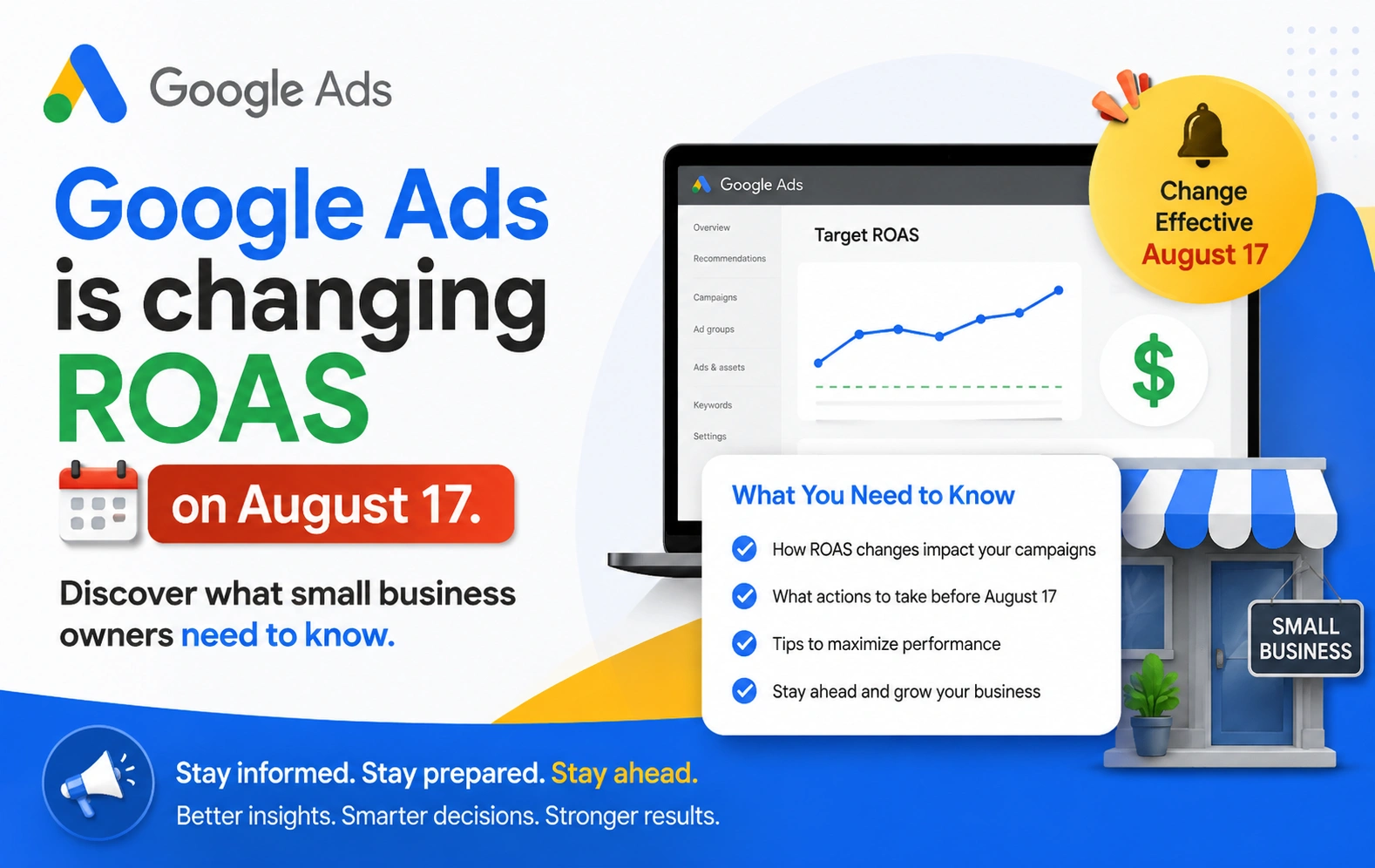
If you run Google Ads for your small business or online store, mark this date: August 17, 2026. Google is quietly changing how its bidding system behaves, and if you don't check your account before then, your cost per sale could go up without you touching a single setting.
No, this isn't clickbait. It's a real update Google has confirmed in its own help center, and it affects any business using Target CPA or Target ROAS bidding—which, if you're running Smart Bidding on Google Ads, is probably you.
Let's break down exactly what's changing, why it matters for a small business budget, and what you should do about it this week, not next month.
Here's the simple version.
When you set up Target CPA or Target ROAS bidding, you tell Google: "I want to pay about ₹500 per sale" or "I want a 400% return on ad spend." Google's algorithm then tries to hit that number.
But here's the thing a lot of business owners don't realize: for campaigns that are "limited by budget," Google has historically let the algorithm find efficiency beyond your target and quietly keep it. So if your target CPA was ₹1,000, but Google found a way to get conversions at ₹650, it would just... let that happen. You got a bonus you never asked for.
Starting August 17, 2026, that changes. Google will start pulling those budget-limited campaigns back toward the exact number you typed in — not the better number the algorithm was finding on its own. Google's own example, straight from its Help Center: if your Target CPA is set at ₹1,000 but your actual cost has been running at ₹500, your campaign will start moving toward ₹1,000 after the update.
The same logic applies to Target ROAS. If your target is 400% but your campaign has quietly been running at 800%, expect that number to drift down toward 400% as Google uses the "extra room" to chase more volume instead.
Google is framing this as a move toward more predictable, consistent performance. And to be fair, that's a reasonable goal — an account that behaves unpredictably is hard to plan a budget around. But if your campaign has been overperforming for months or years without you realizing it, this update could feel like your ROAS just fell off a cliff, even though nothing about your product, market, or offer actually changed.
This update touches on:
But only when those campaigns are marked "Limited by budget" in your account—meaning your daily budget is capping how much Google can spend, not your bidding strategy.
This update does not affect:
If you're not sure which bucket your campaigns fall into, that's your first job this week.
Large advertisers with six- and seven-figure monthly ad spend usually have dedicated PPC managers watching every fluctuation daily. For them, this is a settings tweak.
For a small business or e-commerce store running Google Ads on a tighter budget, this is different. A few reasons:
This is exactly the kind of update that rewards businesses who prepare and quietly punishes the ones who don't.
Here's a practical, no-jargon checklist you (or whoever manages your Google Ads account) should work through this week.
Log into Google Ads, go to your campaign view, and look at the Status column. Campaigns showing "Limited by budget" alongside Target CPA or Target ROAS bidding are the ones affected. You may also see alerts in your account like "Check your campaign targets" or "Review your portfolio targets" — that's Google telling you exactly this.
For each affected campaign, look at:
If there's a big gap — say your target CPA is ₹1,000 but your actual is ₹500 — that campaign is at risk of a real cost increase after August 17.
You generally have three options:
Google says a single, clean adjustment before the deadline should cause minimal disruption. But several PPC practitioners tracking this change recommend nudging your targets slowly — small steps rather than one big jump — and watching how the algorithm reacts over the following days. Google's Smart Bidding does respond to target changes fairly quickly, so you'll start to see signals within a few days, not weeks.
Since June 2026, Google has also been relabeling these bidding strategies in the interface—"Maximize Conversions with a Target CPA" is now just showing as "Target CPA," and similarly for Target ROAS. That's a cosmetic change only and has nothing to do with the August 17 update. Don't waste time troubleshooting a "problem" that's just a new label.
Even if you make the right adjustments now, give the algorithm time to settle after August 17 and check back two to three weeks later. Smart Bidding systems typically need a short learning window after any target change.
Strip away the technical details, and this update is really about one thing: Google was quietly doing some of the strategic thinking for you, and now it's handing that job back.
Smart Bidding was finding pockets of efficiency in your account — conversions coming in cheaper than your target — and keeping the difference in your favor. After August 17, that stops. The efficiency doesn't disappear; it's just that Google won't go find it for you automatically anymore inside a budget-limited campaign. That means the strategic work—reviewing targets, watching margins, deciding where to reallocate budget—becomes your job again, or your agency's.
If your Google Ads account has been running on autopilot with targets nobody's looked at in a while, this is a forced, useful moment to fix that. An outdated target isn't a hidden advantage anymore. Starting August 17, it's just a number Google will hold you to.
If reading through campaign statuses, CPA targets, and bid strategies isn't how you want to spend your week, you're not alone — and you don't have to.
At Webbitech, we've been managing performance marketing and Google Ads campaigns for small businesses and e-commerce brands for over 15 years. We're already reviewing our clients' accounts ahead of the August 17 change, and we can do the same for yours—checking which campaigns are affected, adjusting your targets sensibly, and making sure your ROAS doesn't take a hit you didn't see coming.
Book a free consultation call with Webbitech →
We'll walk through your account together, flag anything at risk, and help you turn this update into an opportunity instead of a surprise.

Have a project in mind? Let’s build something amazing together.
Webbitech — A Leading Web Design & Web Development Company with 15+ Years of SEO & Digital Marketing Expertise, Delivering Countless Success Stories
From idea to execution, we help businesses create high-performing websites and applications.
Start your journey today and take your brand to the next level.